
TINTA
Tools for Inspiring New Tones & Art · May 2024
As a developer who often interacts with design, I was constantly frustrated by the tedious process of manually picking colors from an image. I built TINTA as a full-stack solution to automate this task, challenging myself to create a fast, beautiful, and reliable tool that I would personally use every day.
Creating the brand
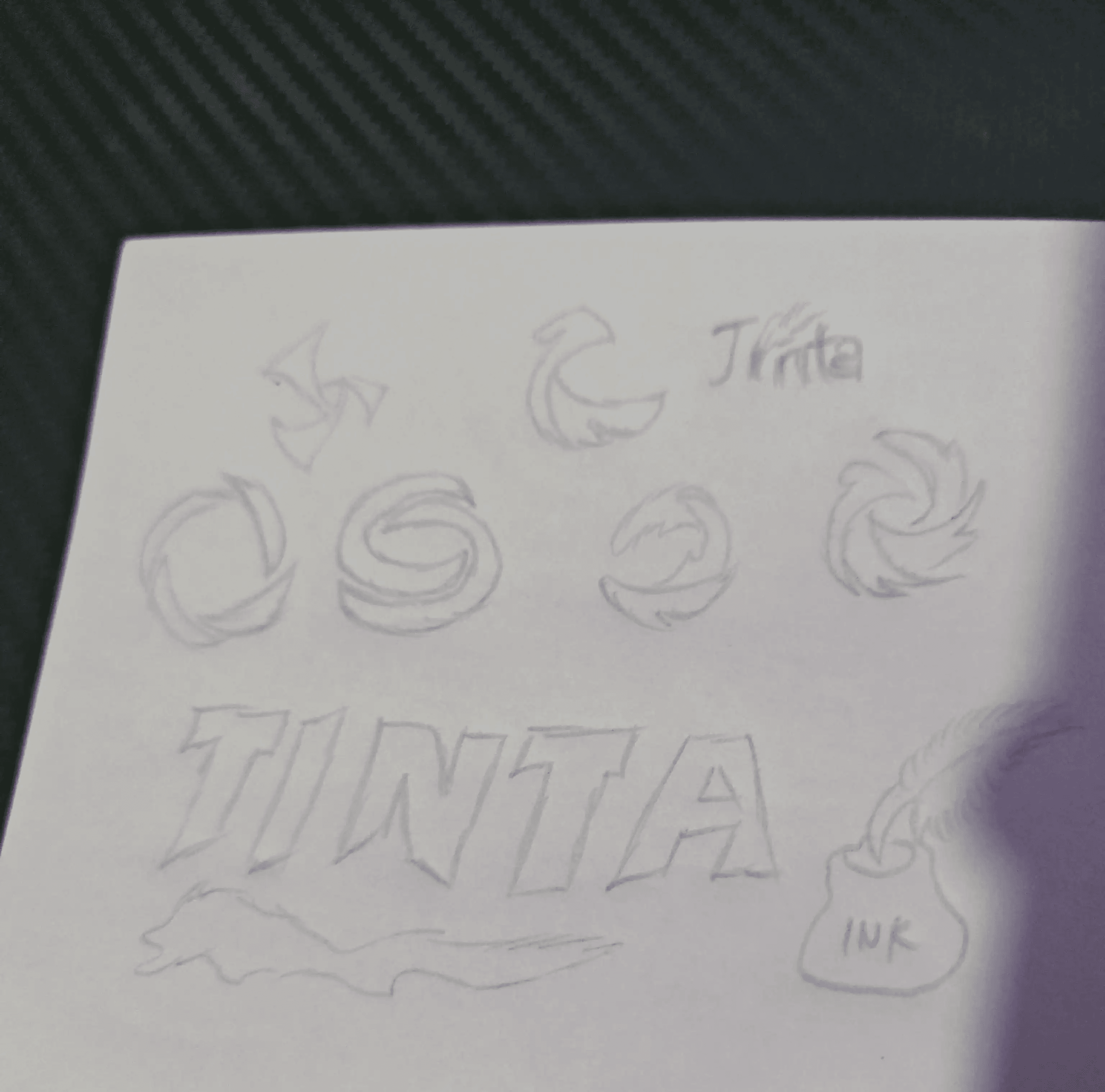
I built TINTA — Tools for Inspiring New Tones & Art — to be fast and clear. The identity needed to be precise, modern, and unobtrusive so the experience stays focused on producing accurate color palettes from any image.
I began with structured sketch explorations—eyedroppers, sampling grids, and fluid forms—evaluating balance, rhythm, and legibility. I finalized the mark in Adobe Illustrator, refining vectors, calibrating curves and spacing, and preparing clean, scalable SVG and PNG assets.

Design System & UI Decisions
Drop your image here or click to browse
Supports JPG, PNG, SVG
Mulish Regular
Roboto Slab Bold
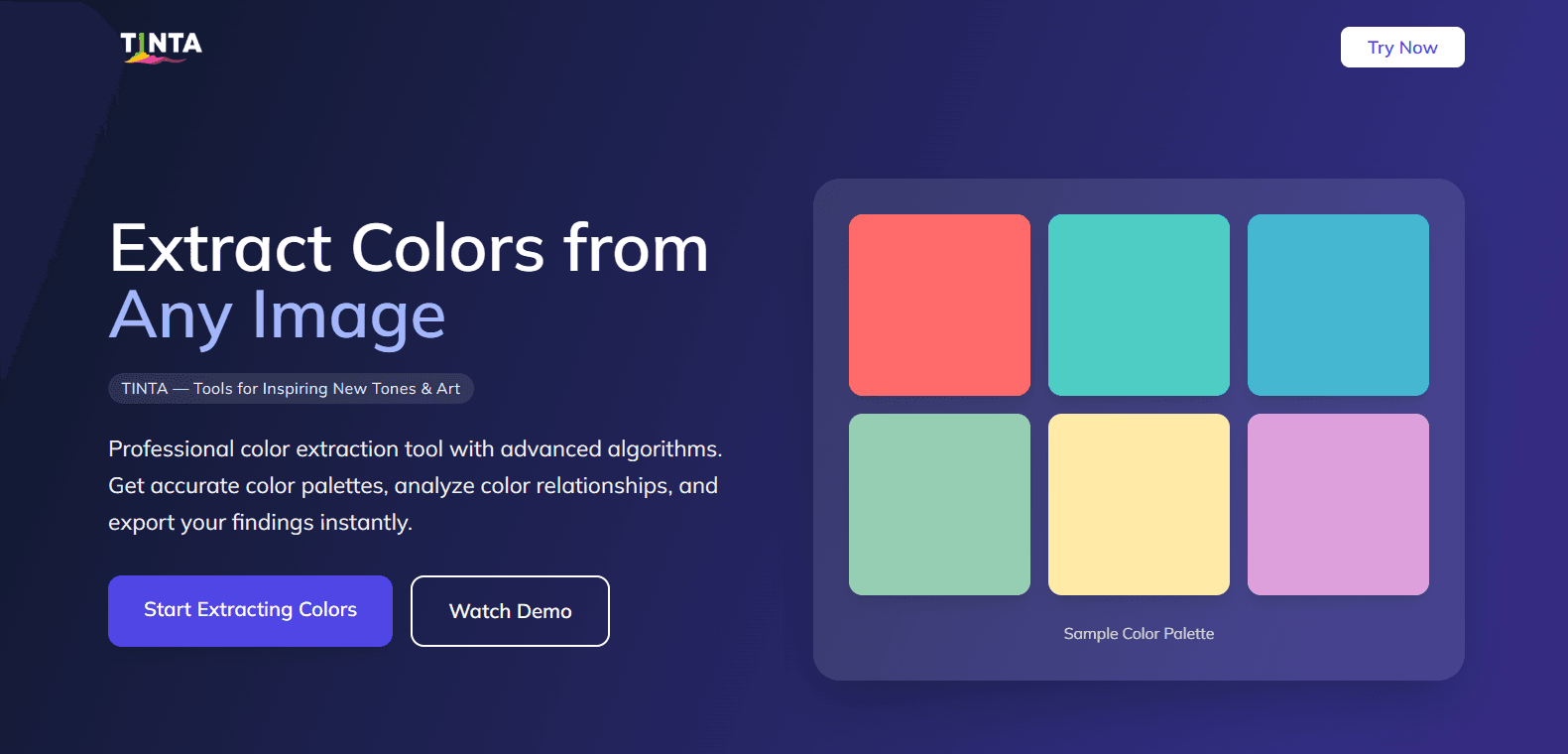
A focused, single‑page tool that turns any image into an accurate 6‑color palette. Built with React, Vite, Tailwind, and a Roboto Slab + Mulish type system. Multiple algorithms (Vibrant, K‑Means, Median‑Cut, Octree, Weighted K‑Means) and LAB‑based filtering deliver perceptually accurate, distinct colors with one upload.
From Tedious to Instant
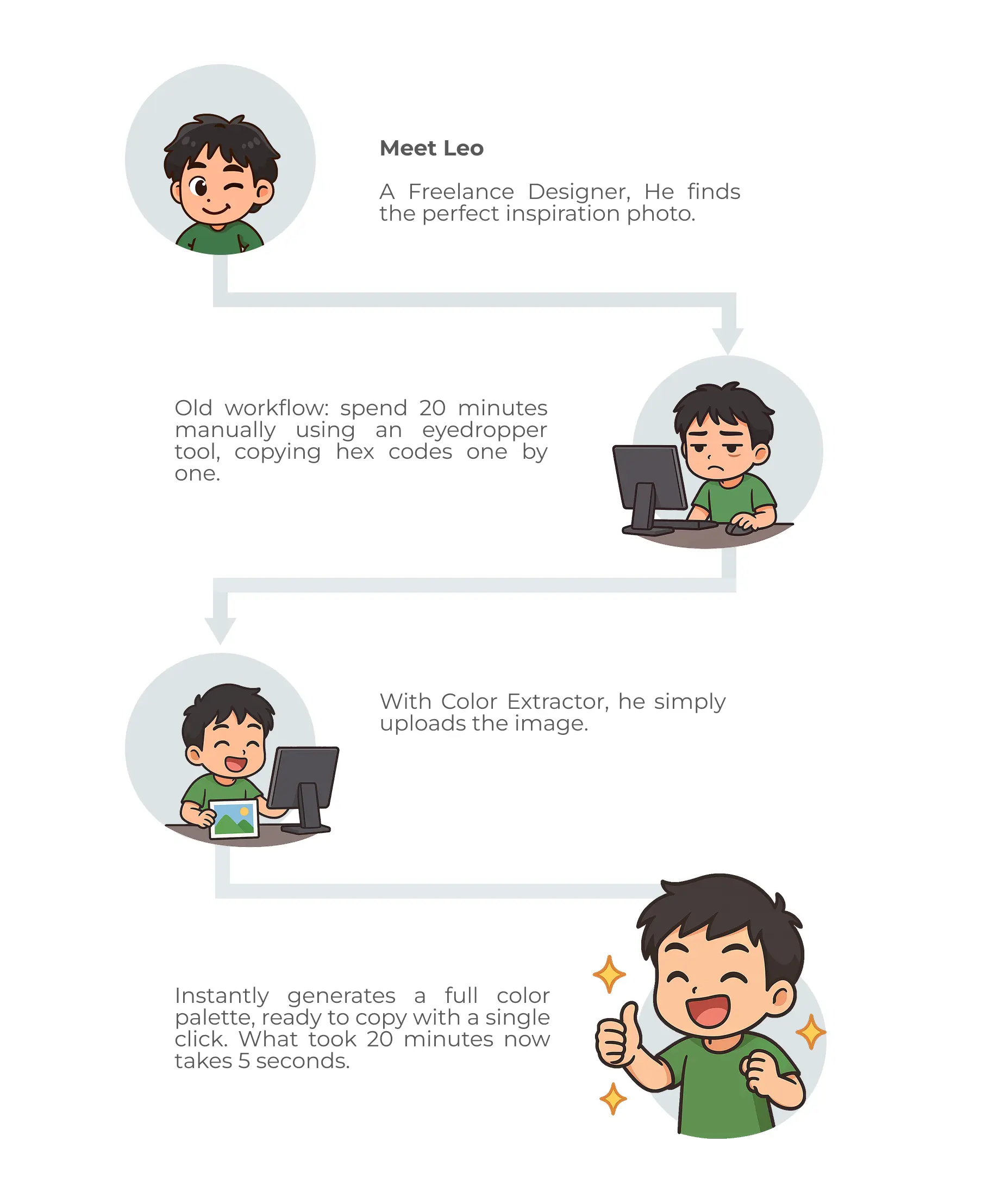
A quick story walkthrough showing how TINTA streamlines the process from image to palette.
Ongoing Optimisation
The next logical steps for TINTA are to develop a browser extension for extracting colors from any webpage on the fly. I also plan to add a feature allowing users to create accounts, save their favorite palettes, and discover palettes created by other users.