TINTA
Professional Color Extraction Tool
Transform any image into a perfect color palette.
TINTA uses perceptual algorithms to generate accurate, harmonious color palettes from any image. Built for designers and developers with real-time UI previews, WCAG accessibility checking, and multiple export formats.
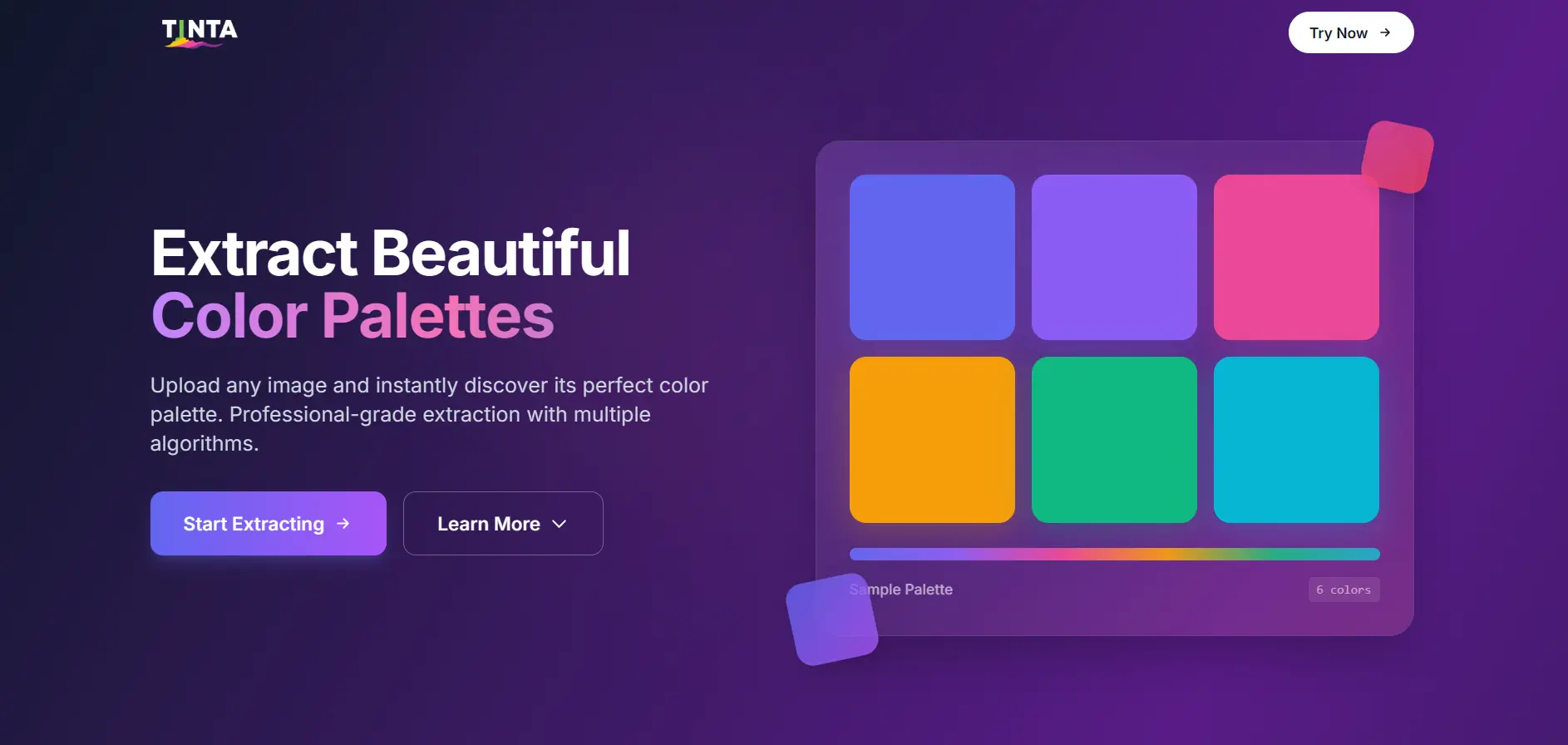
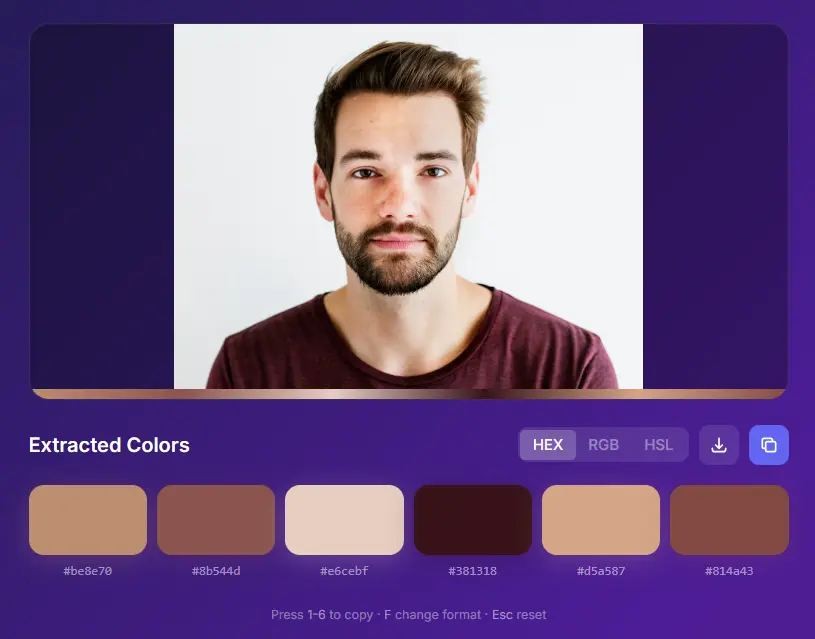
The Interface
A sleek, intuitive interface designed for seamless color extraction.
Key Features
Professional-grade tools for designers and developers.
Perceptual Color Extraction
8 algorithms including CIEDE2000 + OKLab for human-vision accuracy and harmonious palettes
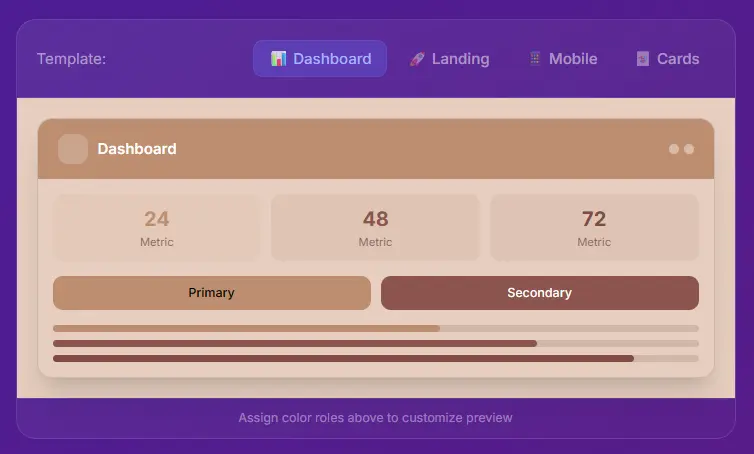
Live UI Preview
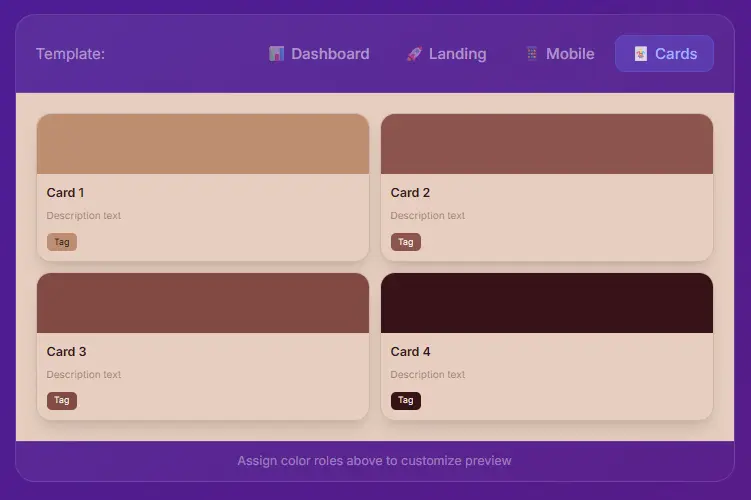
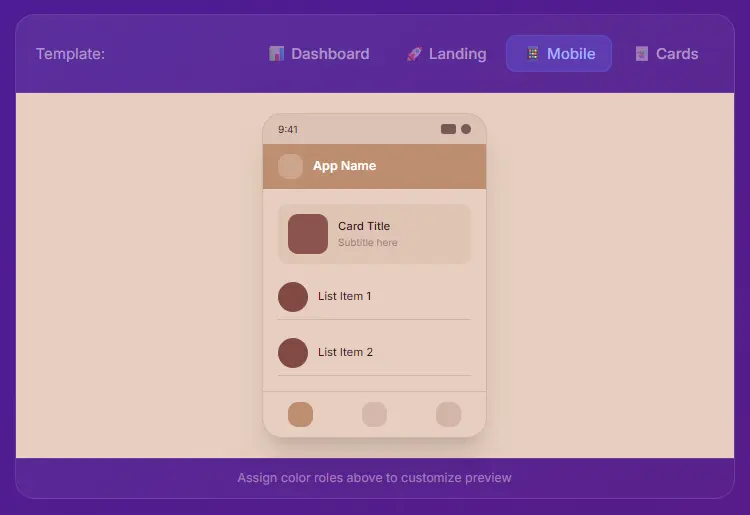
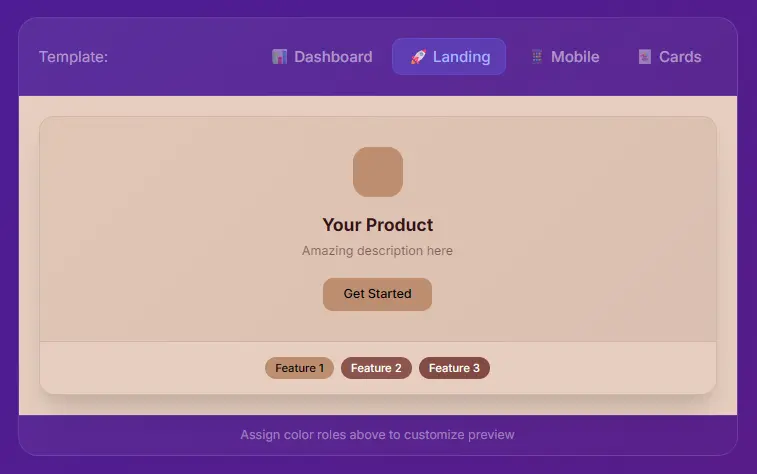
See your palette in Dashboard, Landing, Mobile, and Card templates in real-time
Accessibility Checker
WCAG contrast ratio matrix with AA/AAA compliance indicators for accessible design
Color Harmonies
Generate complementary, triadic, analogous, and tetradic combinations automatically
Smart Color Naming
Automatic names like 'Deep Blue', 'Peach', 'Navy' instead of hex codes
Flexible Export
PNG download, CSS/SCSS/Tailwind variables, or copy color names for any workflow
Upload & Extract
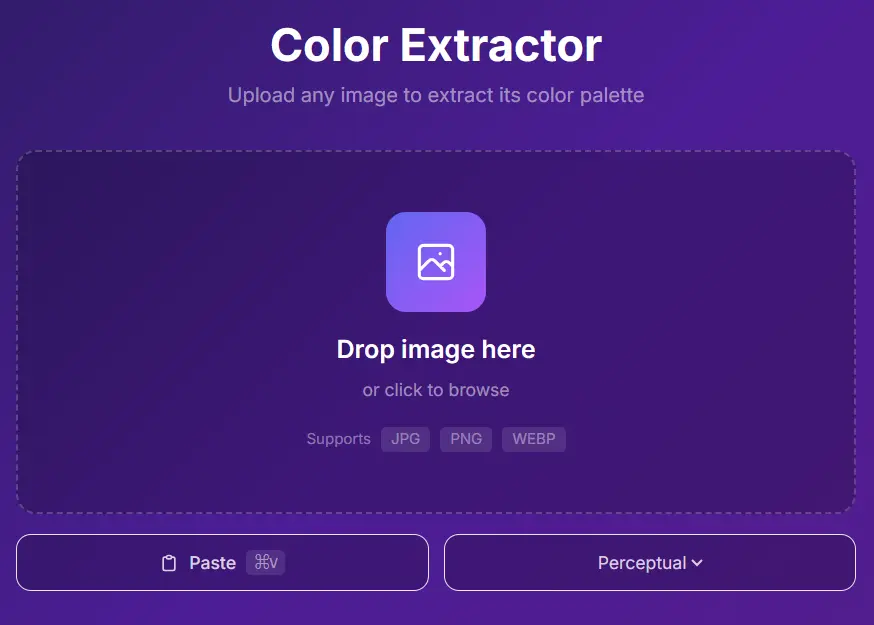
Multiple ways to get your image into TINTA. Drag and drop, browse files, or simply paste from your clipboard with Ctrl+V for instant extraction.
- Drag & drop any image format
- Clipboard paste support (Ctrl+V)
- 8 extraction algorithms to choose from
- Instant color analysis and filtering
How It Works
From image to perfect palette in five steps.
Upload
Drag & drop an image, click to browse, or paste from clipboard (Ctrl+V)
Extract
Choose from 8 extraction algorithms; colors are analyzed and filtered automatically
Refine
Adjust saturation/brightness, sort by hue, or edit individual colors with HSL sliders
Preview
Assign colors to UI roles (primary, accent, background) and see live mockups
Export
Download as PNG, copy hex codes/color names, or export developer-ready code
Upload
Drag & drop an image, click to browse, or paste from clipboard (Ctrl+V)
Extract
Choose from 8 extraction algorithms; colors are analyzed and filtered automatically
Refine
Adjust saturation/brightness, sort by hue, or edit individual colors with HSL sliders
Preview
Assign colors to UI roles (primary, accent, background) and see live mockups
Export
Download as PNG, copy hex codes/color names, or export developer-ready code
Built for Designers & Developers
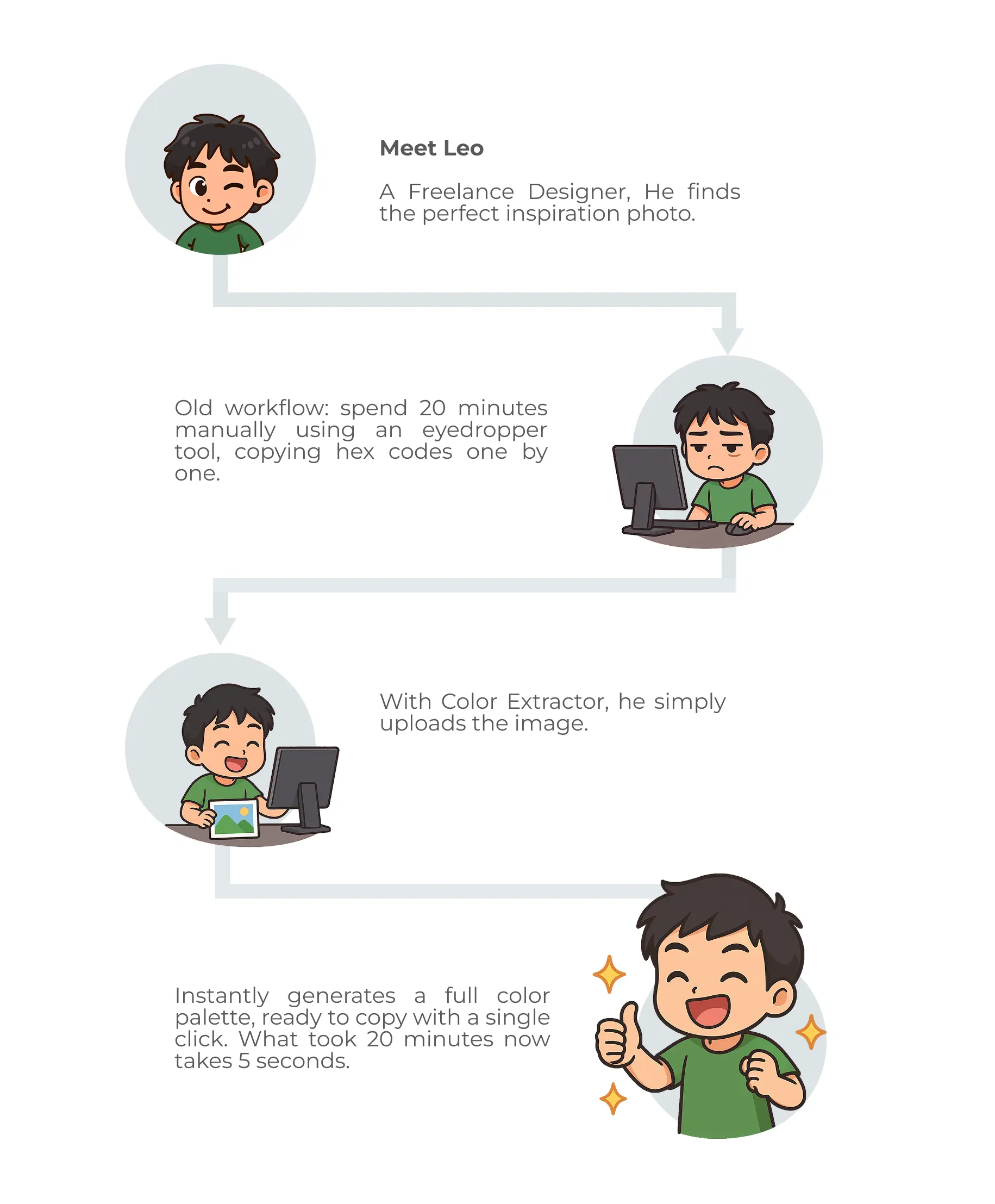
Stop wasting time picking colors manually. TINTA analyzes your images and gives you the exact colors you need, ready to use in your projects.
Live UI Previews
See how your palette looks in real UI templates before exporting.
Smart Color Analysis
Advanced algorithms analyze your image to extract the most visually significant colors. Get perceptually accurate palettes that match how humans see color.
- CIEDE2000 perceptual color difference
- OKLab color space for accuracy
- Automatic duplicate filtering
- HSL slider fine-tuning
Tech Stack
Built with modern technologies and advanced color science.
Frontend
Color Algorithms
Libraries
PWA & Deployment
Ready to Extract Colors?
Where every image becomes a palette of possibilities.